What the setup involves
The work Claude will walk you through
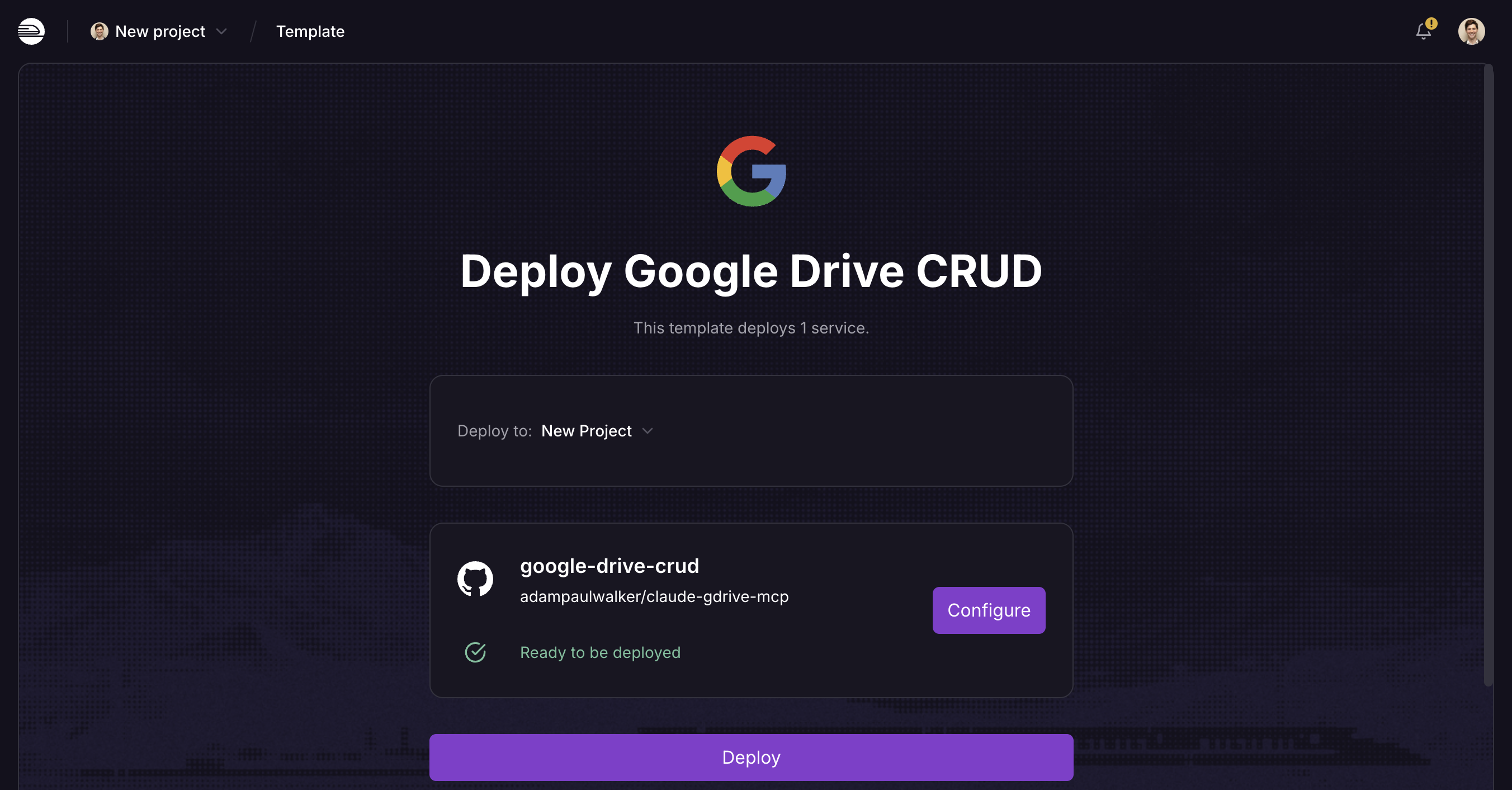
- Deploy the server. One click on the Railway button above creates your own copy, in your own hosting account.
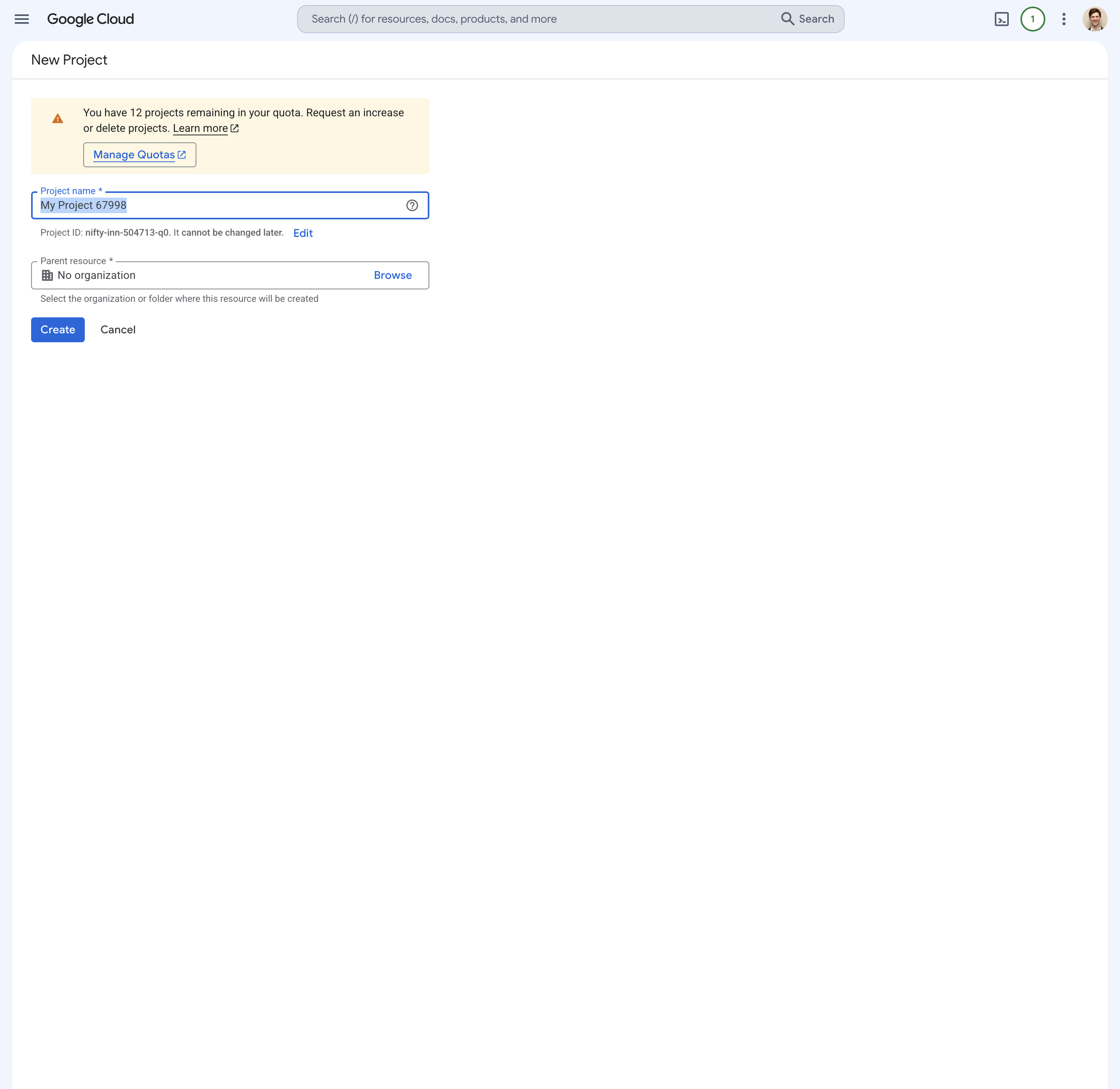
- Create a project in Google Cloud. A container that holds the permission settings for this one connection.
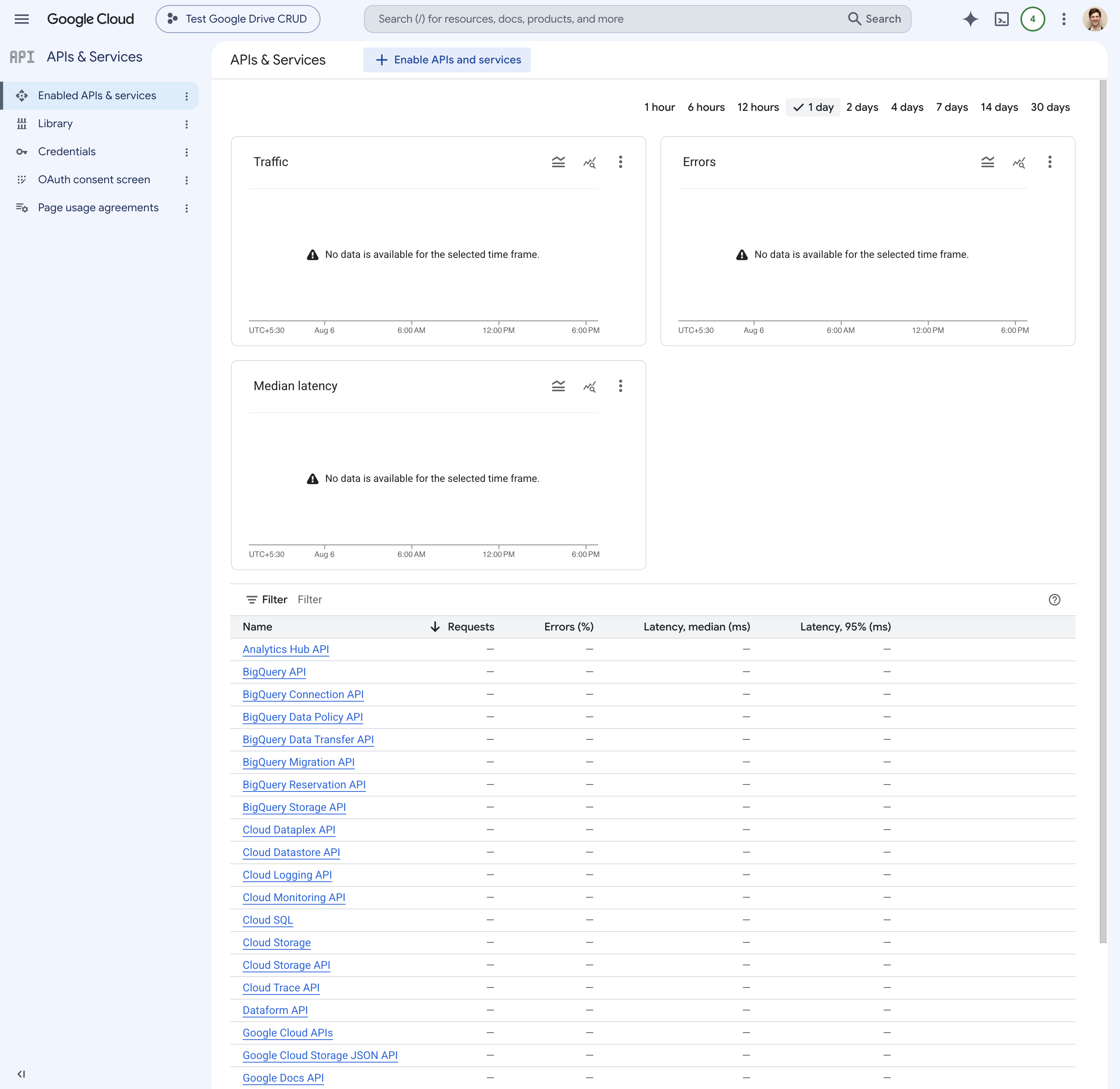
- Turn on four Google application programming interfaces (APIs). Drive, Docs, Sheets, and Slides. An API is the door an outside tool uses to reach a Google service, and each one is off until you switch it on.
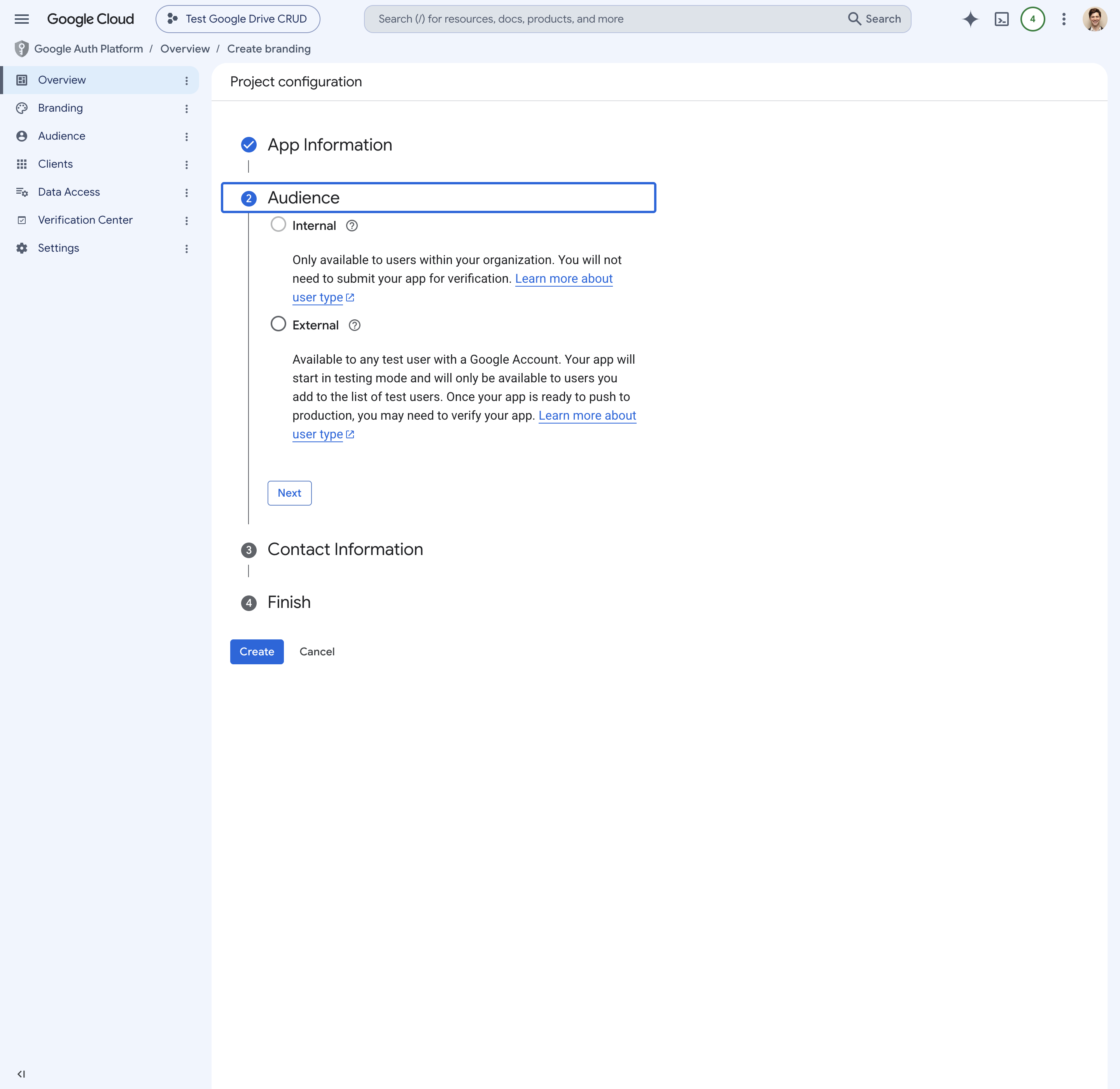
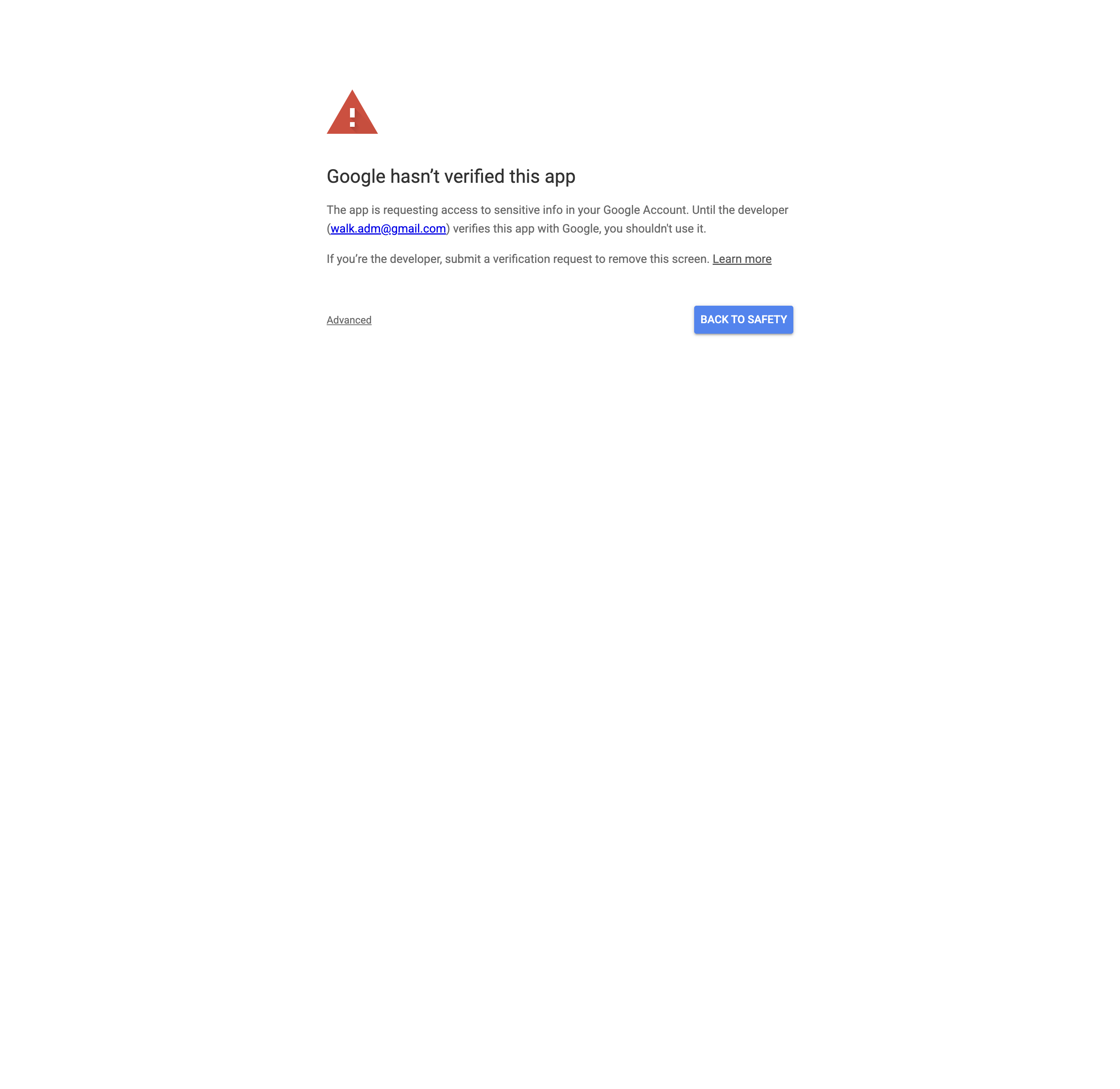
- Set up and publish the consent screen. The page that asks your permission when the connector signs in. Publishing it makes the connection permanent.
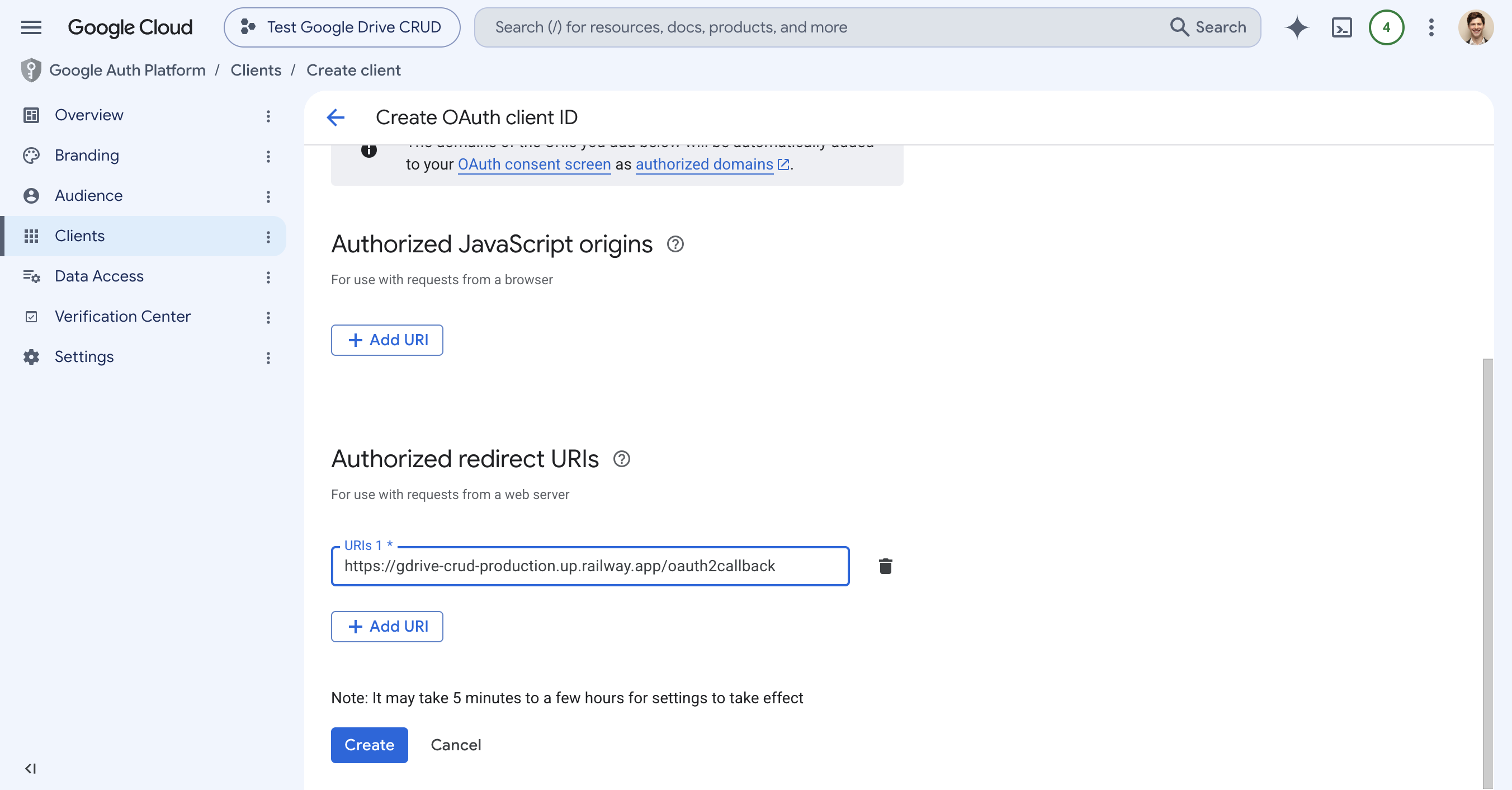
- Create the sign-in credentials. Google issues an ID and a secret that identify your server to your Google account. You paste them into Railway.
- Connect it to Claude. Add the server's address as a custom connector on claude.ai, sign in with Google once, and it is live everywhere you use Claude.
Google's console is dense, and the names it uses are not obvious the first time through. That is why Claude guides it from inside the chat: it names each screen as you land on it and tells you which of the several similar-looking buttons is the one you want.
Read the full directions on this page